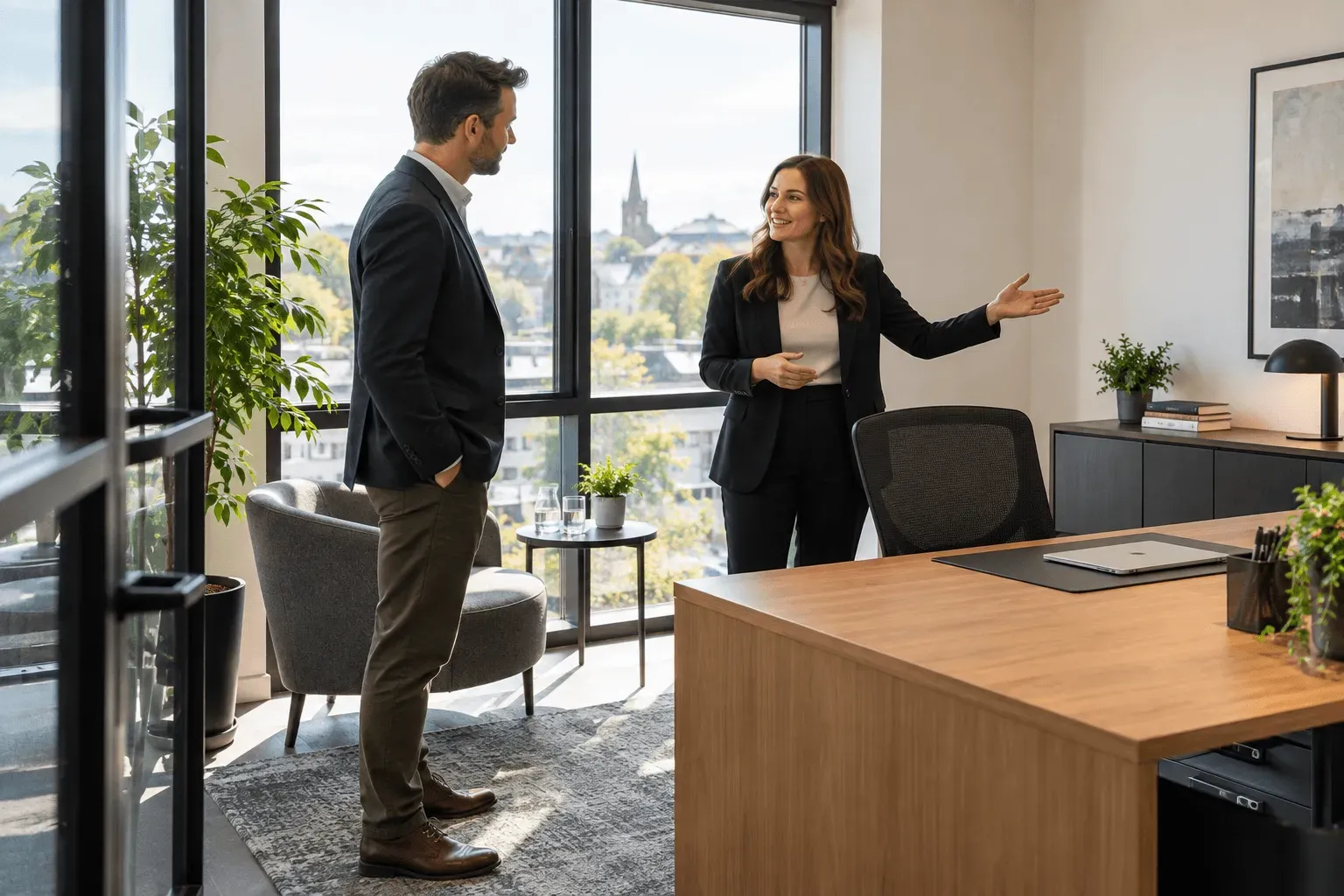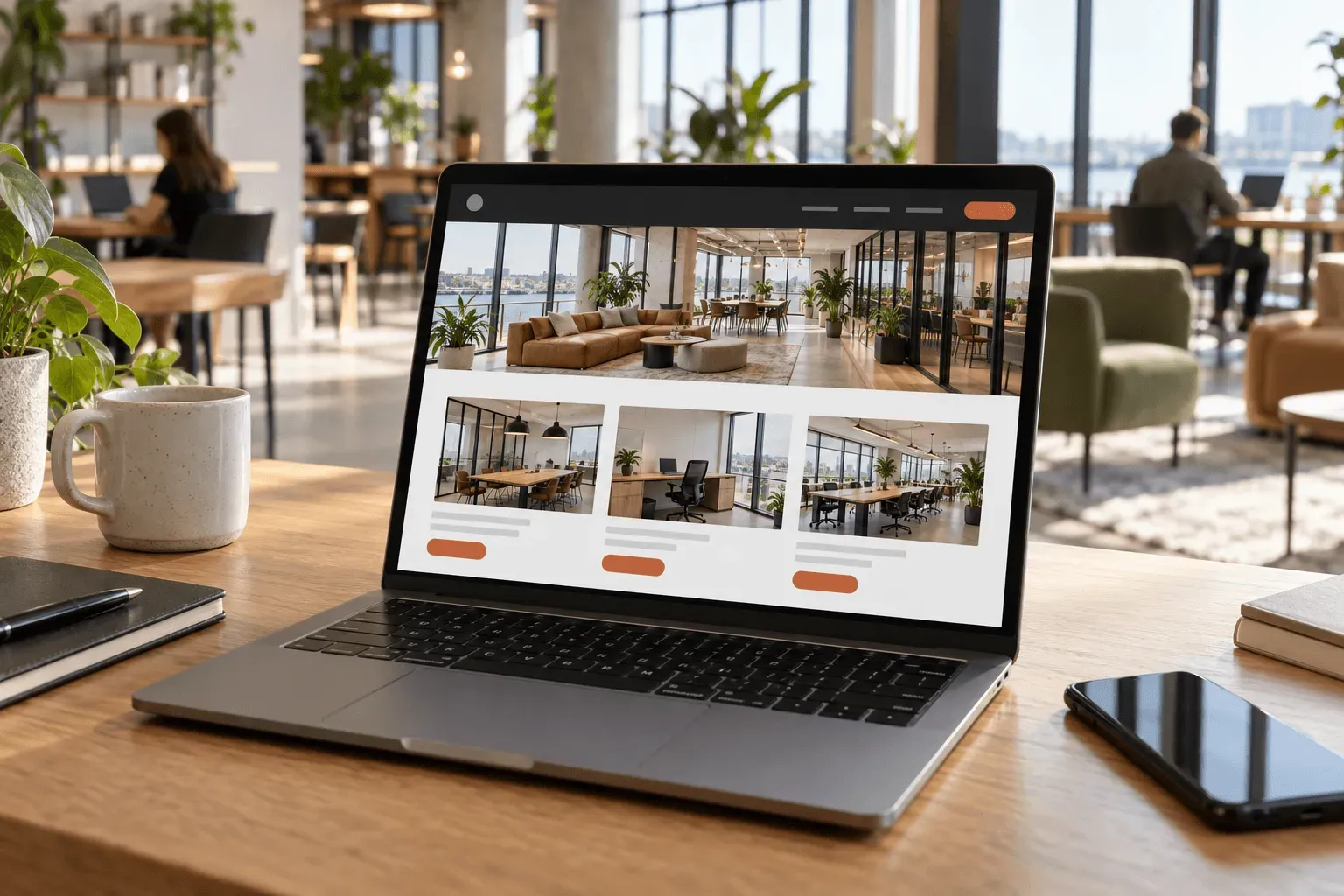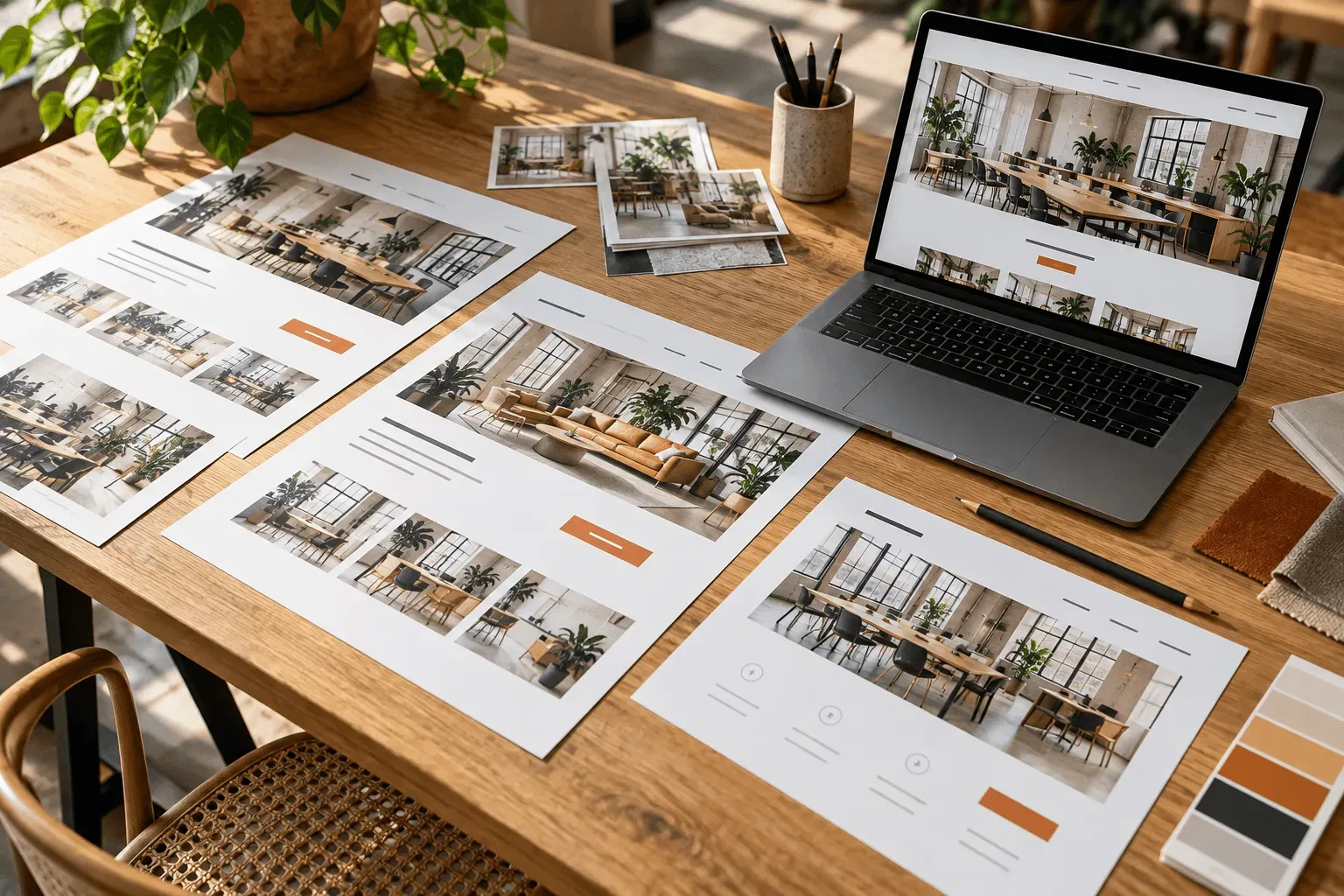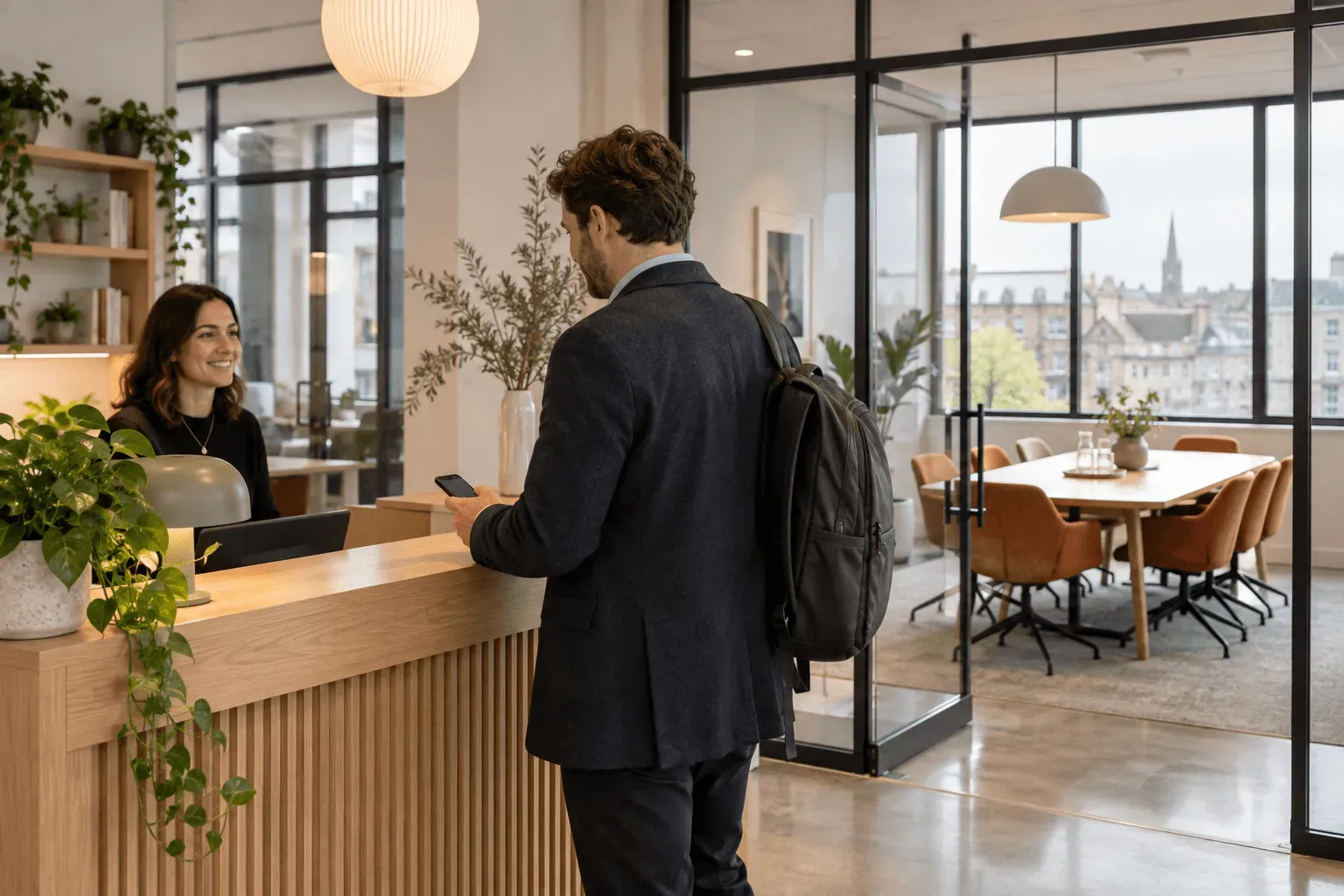
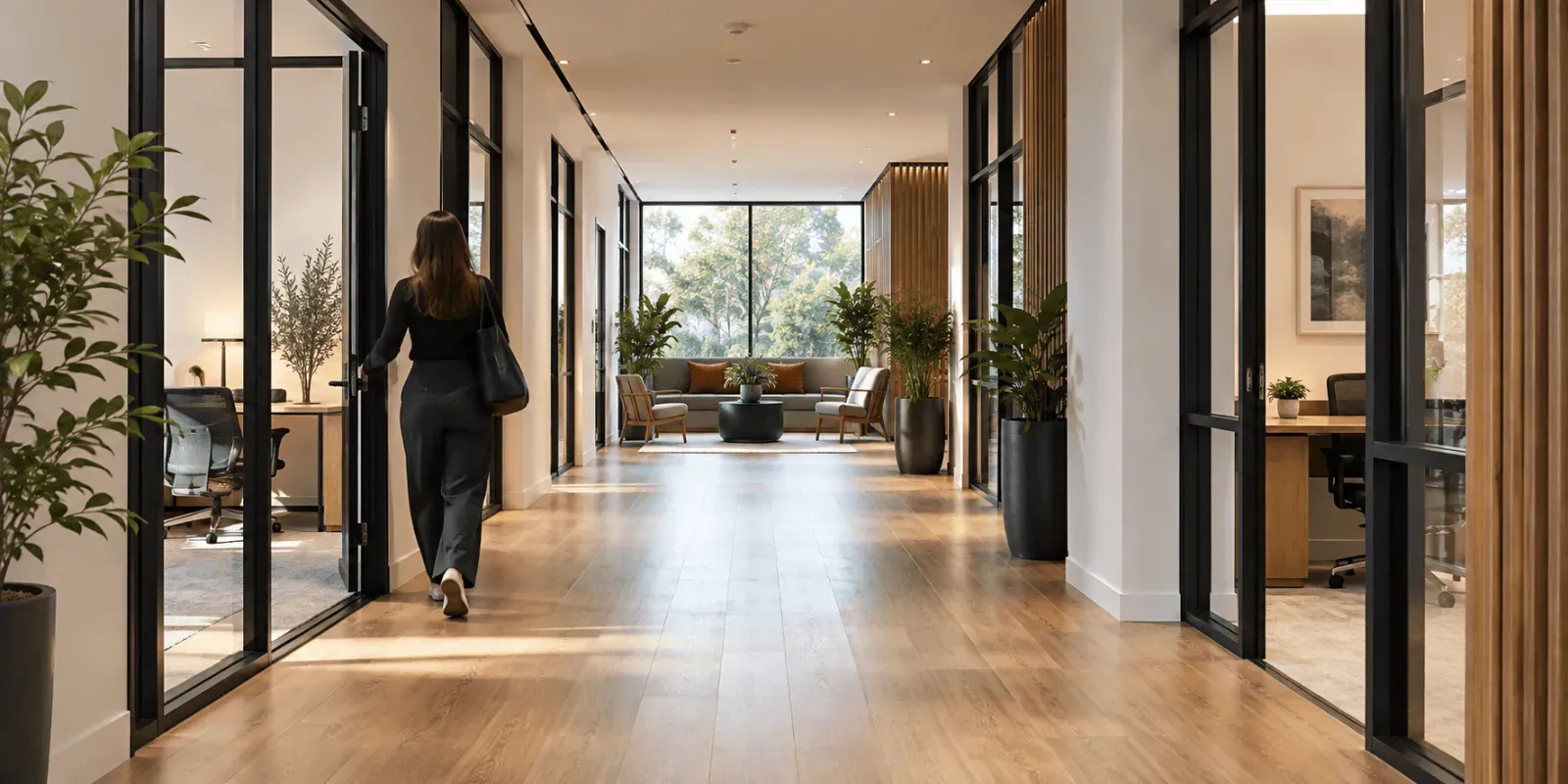
Your website often starts the conversation with your next office customer. Before they contact you, they are deciding whether your location works, whether the space suits their team and whether the offer fits their budget.
If those answers are difficult to find, your team has to establish them later by email or telephone. Some visitors may leave before asking at all.
At Managed Spaces, we design websites around that decision. Your offices, shared desks and meeting rooms each have a clear role, with the information customers need and a relevant way to take the next step.
01
Give prospective tenants something specific to consider
A photograph of your reception can introduce the building. A prospective tenant also needs to see the office they might occupy.
Show the room, its capacity and how it is arranged. Explain what is included, the terms you offer and whether the space is available now or needs an availability enquiry. Where pricing can be published, make its basis clear: per office, per desk or per month.
This lets visitors judge whether an office is worth viewing. It also gives your team a more useful starting point when an enquiry arrives.
We build the website around the spaces you let, so a small team looking for an office can find that offer without working through meeting room hire or day-pass information first.
02
Help people understand the working day
Facilities become more persuasive when customers can see how they will use them. Show where they can take a call, meet a client, make coffee or work away from their desk.
Explain access hours and what their agreement includes. If meeting rooms carry an additional charge, make that clear. If visitors can use a shared kitchen or breakout area, show the actual spaces.
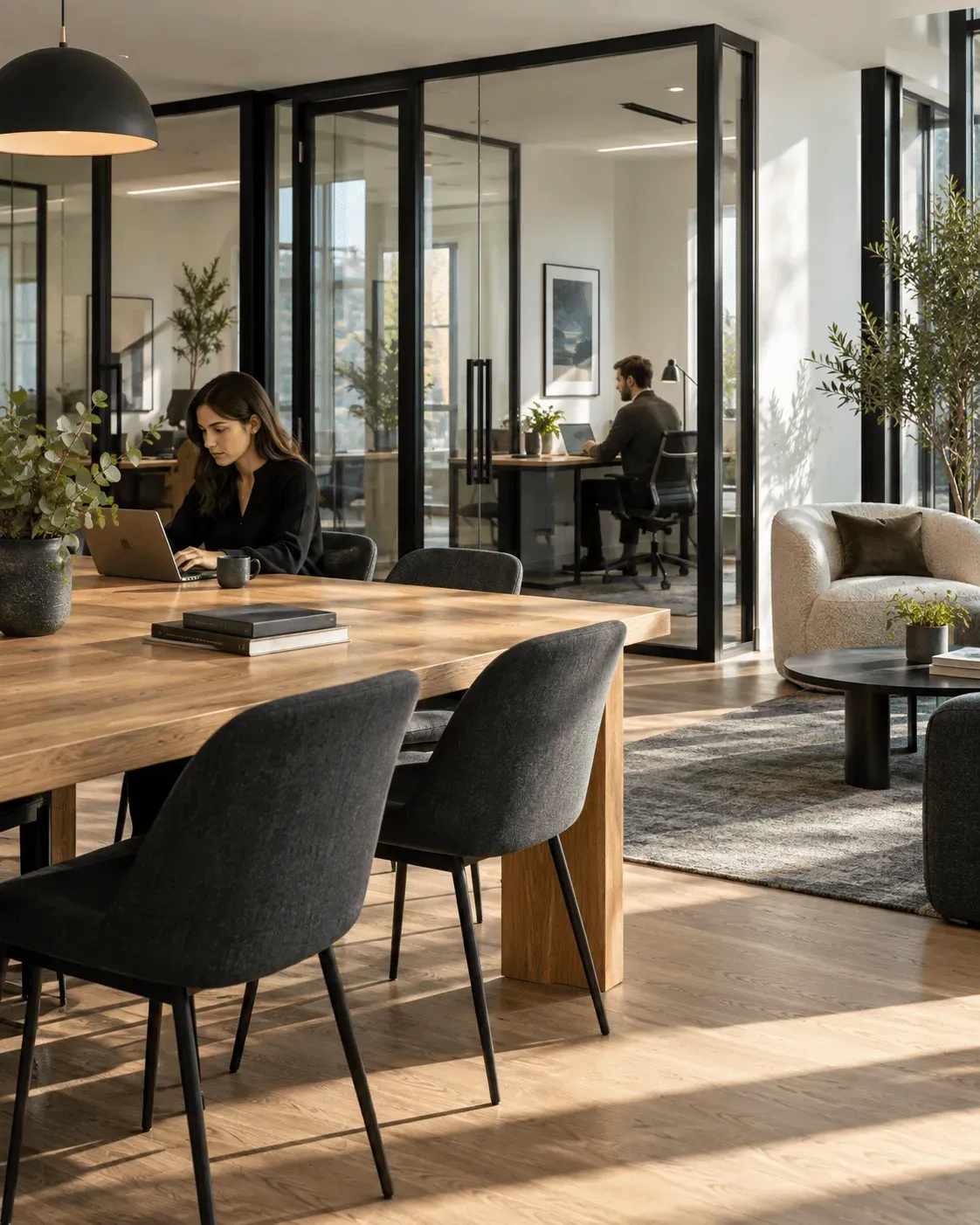
The aim is to help somebody imagine their business working there. Specific information gives them a basis for choosing your venue and helps set expectations before they arrive.
03
Make the location part of the offer
Customers are choosing a daily journey as well as an office. Put the address, nearby transport, parking and arrival information where they can find it easily.
For several buildings, each location should explain its own advantages. A city-centre office close to a station may suit a different customer from a business centre with parking and easy road access.
Useful local detail also gives you something concrete to say about the venue. A visitor can assess the journey for their team instead of relying on a broad claim about a convenient location.
04
Ask for information that helps you respond
An office enquiry should tell your team which space the visitor is considering and what they need. Alongside contact details, that might include team size, preferred start date and any access or layout requirements.
Keep the form proportionate to the decision.
Somebody arranging a viewing does not need to complete an application for a tenancy. They need a straightforward way to introduce themselves and explain what they are looking for.
When the enquiry starts from an office page, retain that context. Your team should be able to respond about the relevant space rather than first asking which office caught their interest.
05
Give each offer an appropriate next step
An office customer may want a viewing before discussing an agreement. Somebody hiring a room for a short meeting may be ready to check a time and book.
A shared office website can support both. The structure should make the next step easy to recognise:
| What the customer needs | What the website should help them do |
|---|---|
| A permanent office for their team | Assess suitable offices and arrange a viewing |
| Regular use of a shared workspace | Understand access options and make an enquiry |
| A meeting room for a specific date | Compare rooms and check booking options |
| A private office for an occasional day | Understand the offer and choose a booking route |
Managed Spaces brings these offers together in a website designed for workspace operators. You can show the full business while keeping each customer journey clear.
06
Start with the spaces you want to let
If you are planning a new website or replacing one that no longer reflects your venue, begin with your current offer. Which offices need more interest? Which questions delay enquiries? Which spaces could be easier to hire?
Those answers give the design a commercial purpose. They help us plan what to show, what to explain and where the website should lead each visitor.