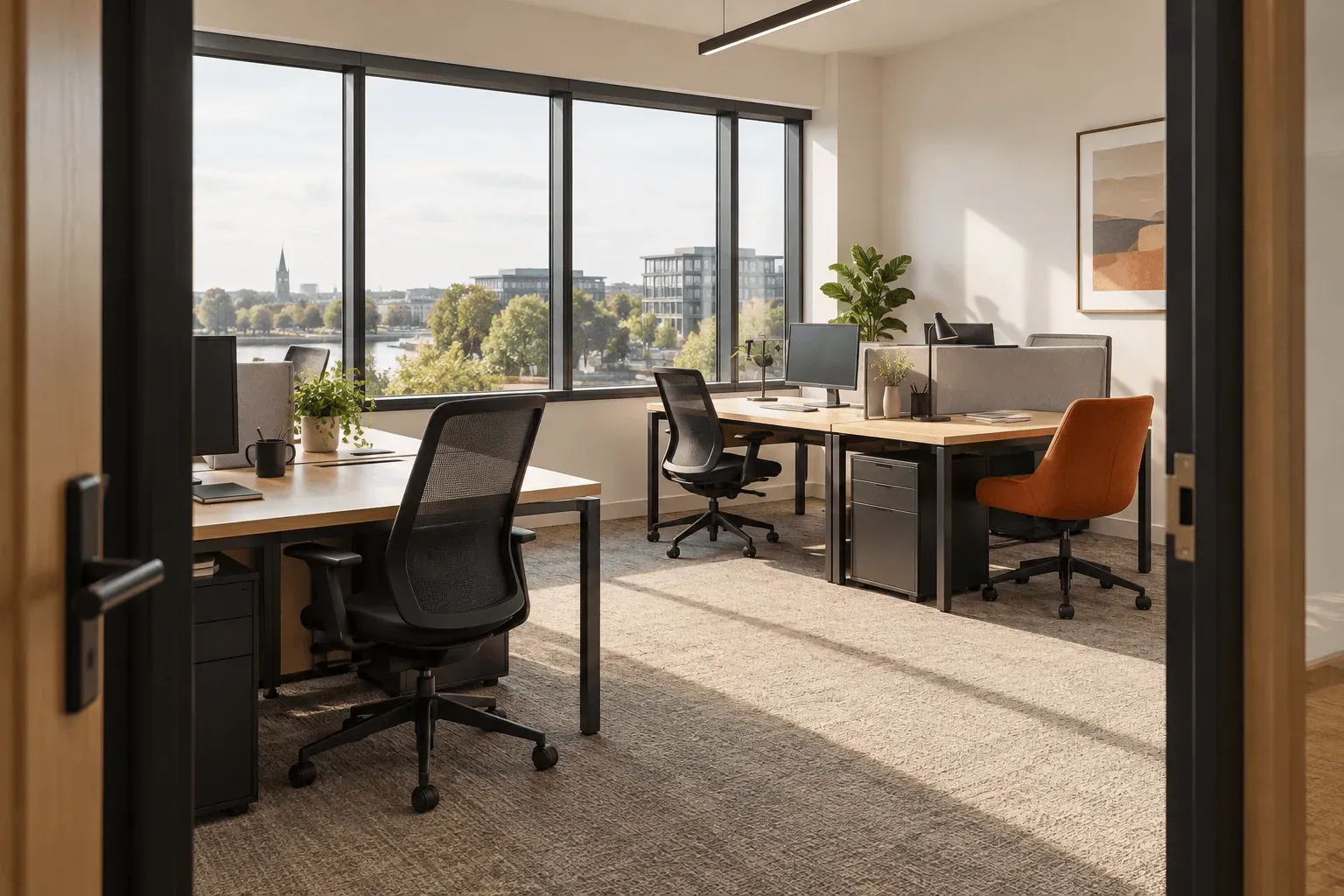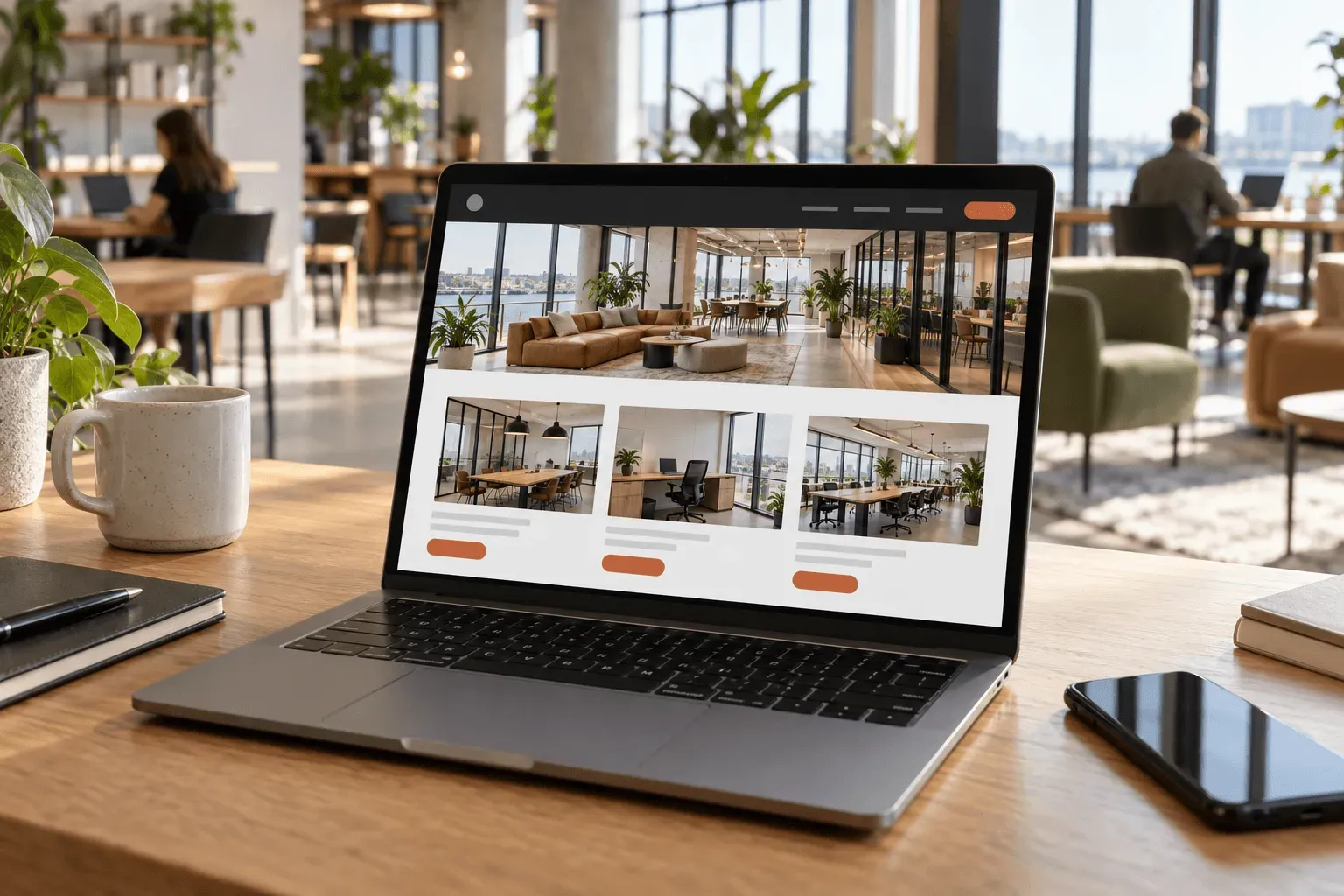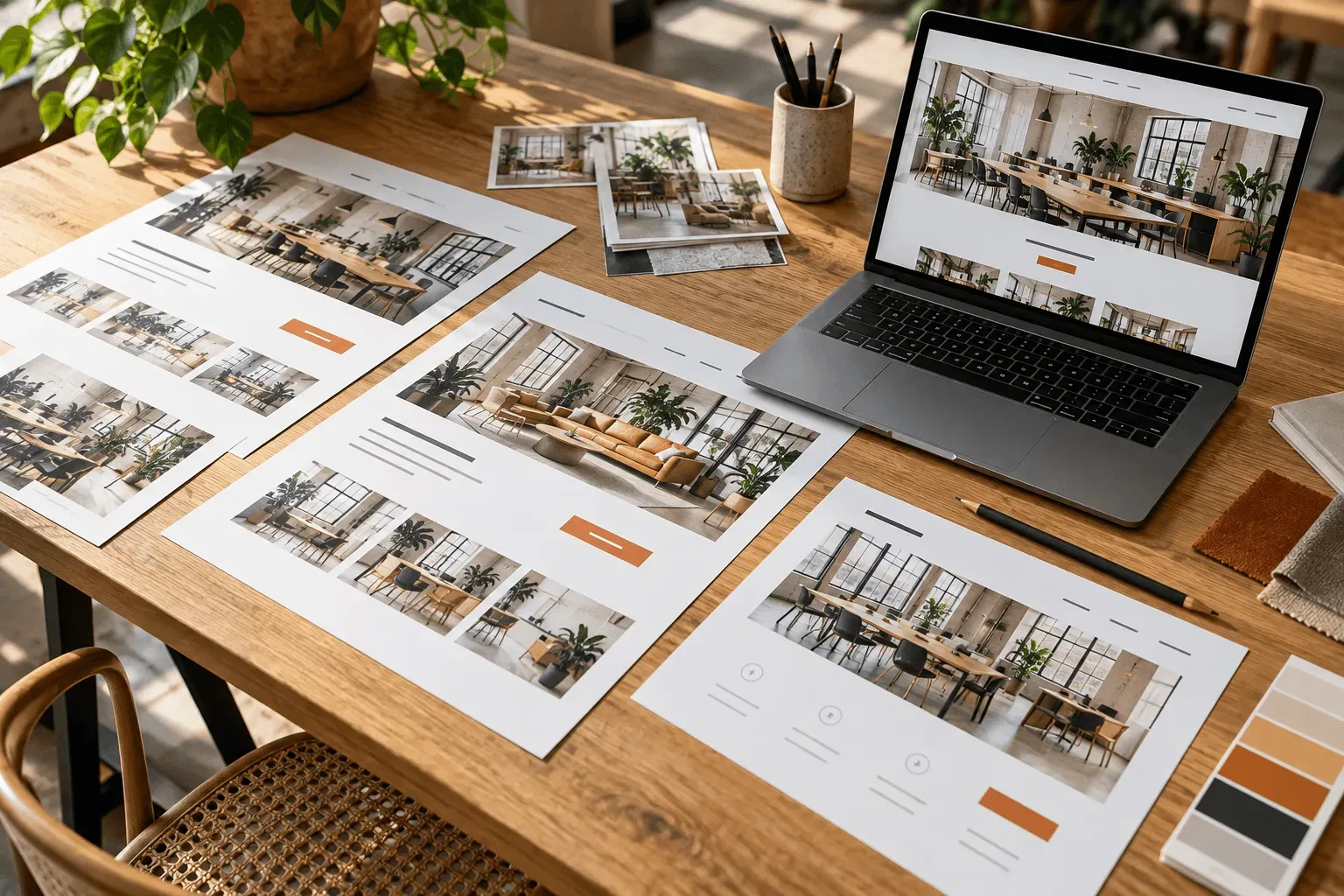
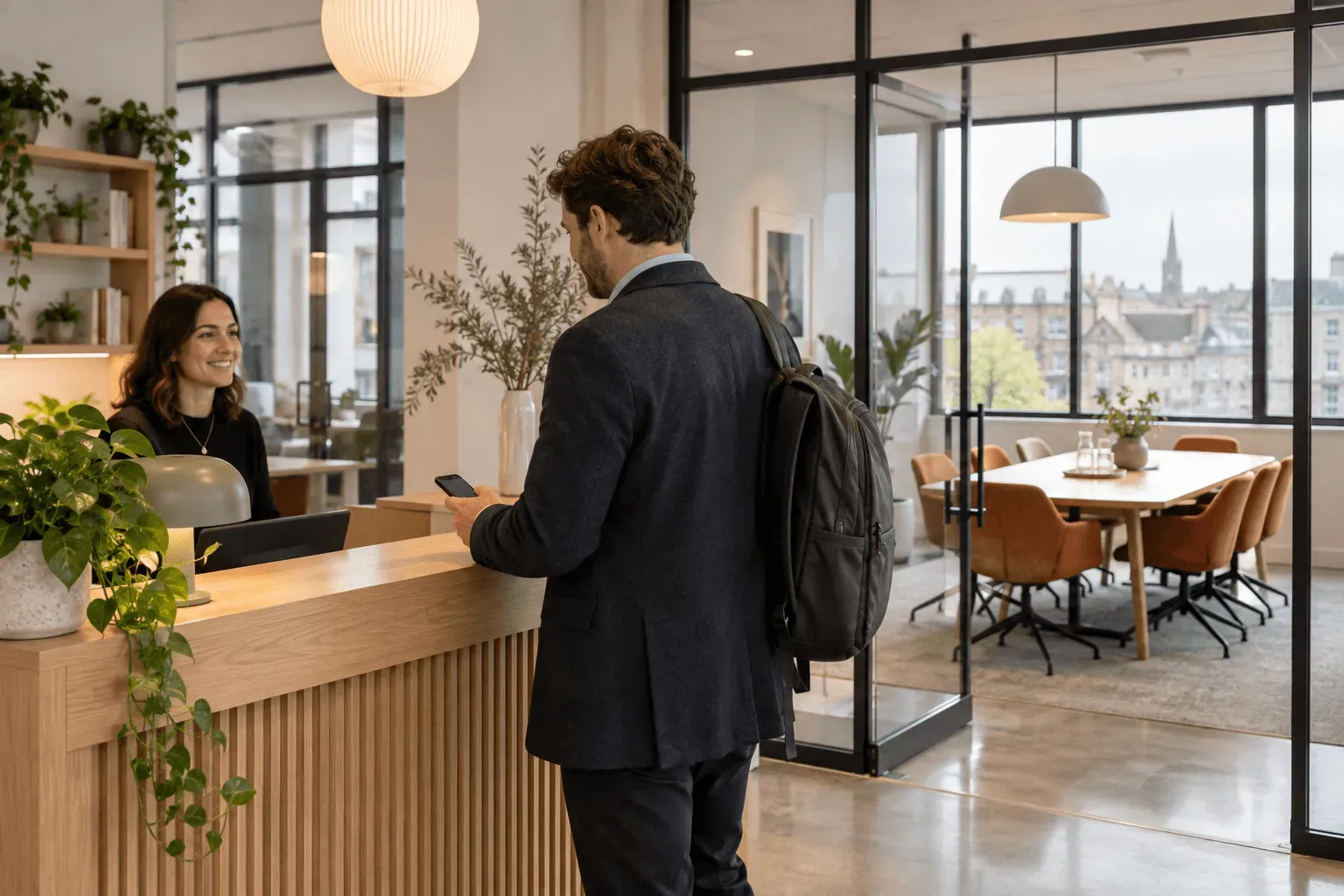
Your meeting rooms and flexible workspace can introduce customers to the building long before they need a permanent office. A client meeting, a day away from home or an occasional team visit gives them a reason to use the space now.
To support that business, the website needs to make occasional hire easy to understand and arrange. Customers should be able to find a suitable space, assess the details and reach the booking process without starting a general enquiry.
Managed Spaces combines workspace website design with a booking system, so the offer and the route to hiring it can be planned together.
01
Give occasional hire its own place on the website
A business centre may lead with its private offices, while rooms and day passes sit within a facilities list. That makes it harder for somebody visiting specifically to hire a room to recognise that they can buy it separately.
Give each bookable offer a clear page or section. Explain who can use it, what is included and how it is priced. Make it visible from navigation and from relevant space pages.
This opens a direct route for occasional customers. It also gives your team a useful page to share when somebody asks about room hire or temporary workspace.
02
Help customers choose before they start booking
For meeting rooms, show the capacity, layout and equipment that matter to the purchase. For a day office, show the privacy and working setup. For a coworking pass, explain the shared environment and access arrangements.
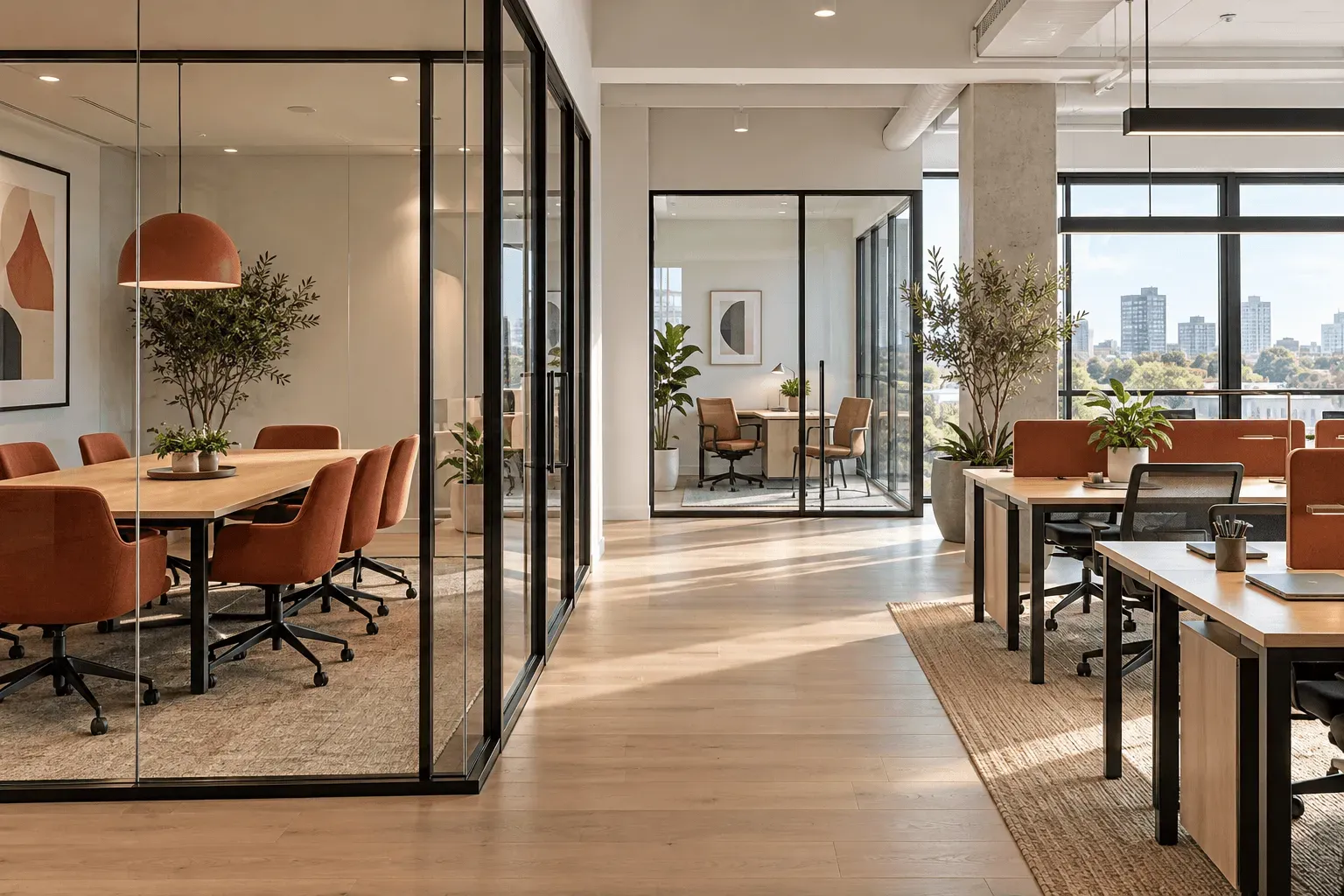
Place the price alongside its unit and conditions. A customer needs to understand whether they are choosing an hour, a day or a pass, and which facilities are included.
Our Harbour spaces example shows how different workspace offers can be presented together. Each type has a distinct role in the venue and a relevant route onwards.
03
Carry the choice into the booking process
Once somebody has chosen a space, the next step should help them arrange that space. A booking button should retain the room or product they were considering wherever the configured journey supports it.
That continuity matters when your building offers several rooms or products. It keeps the customer oriented and reduces the number of choices they have to make again.
The website and booking process should agree on the offer.
Opening hours, prices and hire conditions need to reflect the way you actually operate.
We start with those requirements when planning a Managed Spaces website and booking project, so the presentation supports the reservation journey.
04
Give staff a central view of reservations
Online booking needs to fit the way your team manages the venue. Staff need to see what is coming up and understand which space and customer each reservation relates to.
The website should draw bookable availability from the system that manages reservations. This is especially relevant when staff also arrange bookings by phone or at reception.
At the planning stage, establish the rules for each product: when it is available, how long it can be hired and what happens when a customer needs to change their plans. These decisions shape a booking process that is useful for your team as well as your customers.
05
Keep office enquiries alongside direct bookings
Occasional hire and permanent office letting can work together on one website. They need different next steps.

A team looking for a longer-term office may need to view the building and discuss terms. Somebody booking a short meeting may have enough information to proceed immediately.
Managed Spaces designs around both decisions. You can present the full range of spaces while letting customers follow the route that suits their requirement.
06
See the approach, then plan it for your venue
The Harbour Workspace demo lets you explore our presentation of meeting rooms, a day office and coworking. It is a fictional venue, and demonstration bookings do not charge customers or send invoices.
For your own project, start with the spaces you want to make easier to hire. Tell us how bookings are currently arranged, which information customers ask for and what your team needs to manage them.