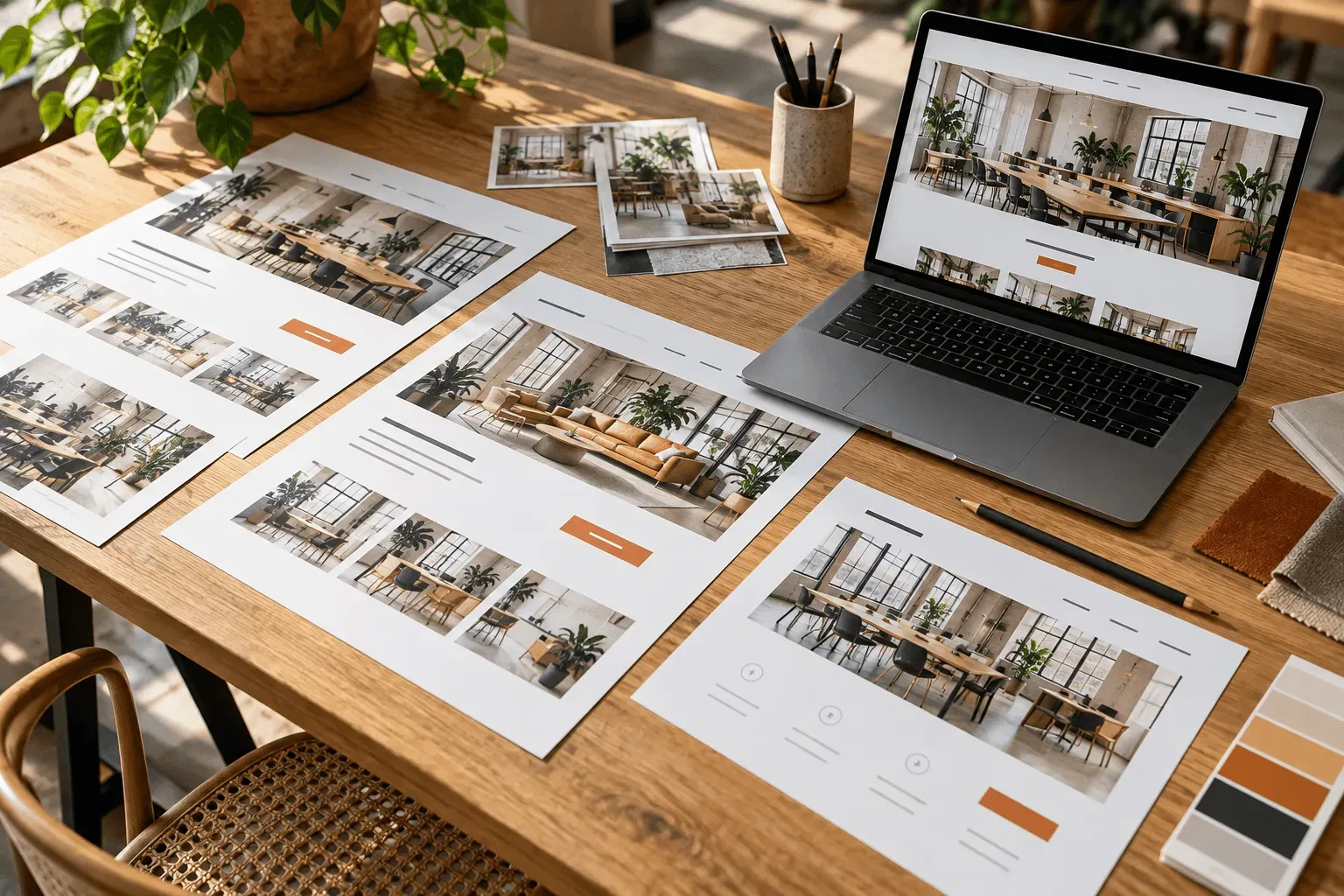
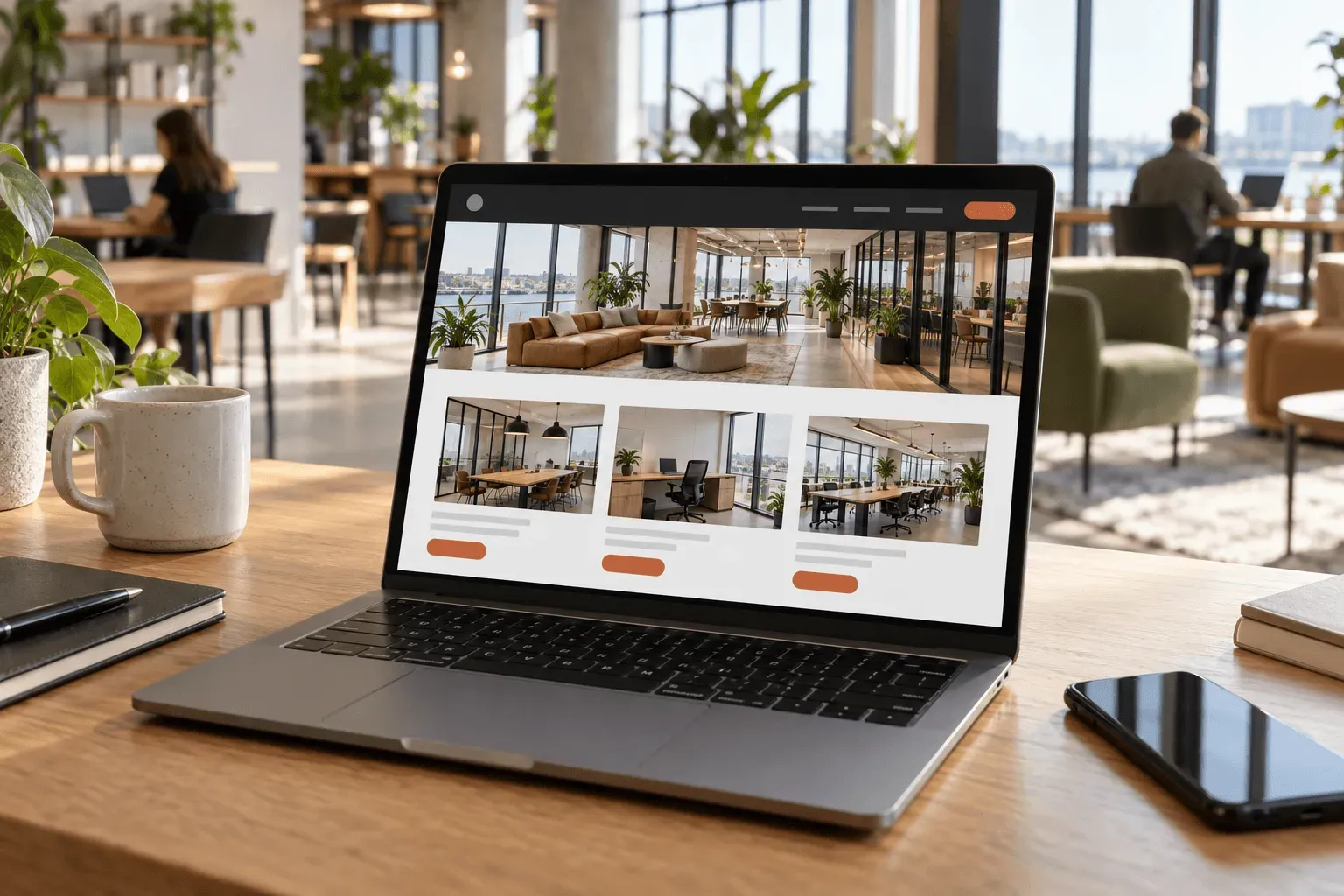
Looking at coworking website examples is useful when you can see how the pages work together. The homepage sets the scene; the space pages help somebody decide; the booking route gives them a way to proceed.
Our Harbour Workspace demonstration shows that approach in a website built by Managed Spaces. Harbour is a fictional venue used to demonstrate our work, with meeting rooms, a day office and shared workspace.
Use it to consider how your own building could be presented and how customers would move through the offer.
01
Start with a clear introduction to the venue
An operator knows the building intimately. A first-time visitor needs a quick introduction: where it is, what they can use and how to get started.
The Harbour homepage introduces the workspace before leading into its spaces. It also gives facilities and location information their own sections.
For your venue, this introduction should establish the offer in plain language. An attractive photograph draws attention, while a specific explanation helps the right customer recognise that the space may suit them.
A good first screen gives them somewhere useful to go next. That could be exploring the rooms, looking at office options or starting an enquiry.
02
Make comparison possible before the click
The Harbour spaces page separates meeting rooms, a day office and coworking. Each listing presents practical details and a price unit beside the route to more information.
That makes the page a useful point of comparison. Visitors can narrow their options before reading a full description of each space.
For your website, the right comparison fields depend on what you sell. Meeting rooms need capacity and key equipment. Private offices need team size and letting information. Shared desks need access options and inclusions.
Choose details that distinguish the spaces. If every card repeats the same general description, customers still have to investigate each one to find the difference.
03
Use a room page to answer the purchase questions
The Chart Room example brings together photographs, facilities, hire information and a booking link for one room.
Keep the decision together.
Someone choosing a room should be able to assess suitability and understand the hire conditions in the same place.
On your own website, give each space the information that customers ask for before committing. That could include presentation equipment, layout, access, catering options or minimum hire duration.
Photography should help them assess the actual room. Include a view that explains the layout, rather than relying entirely on close-ups of furnishings.
04
Show the difference between a room, an office and a desk
A meeting room is chosen for a group and a duration. A day office is chosen for privacy and a working day. A coworking pass is chosen for access to a shared environment.
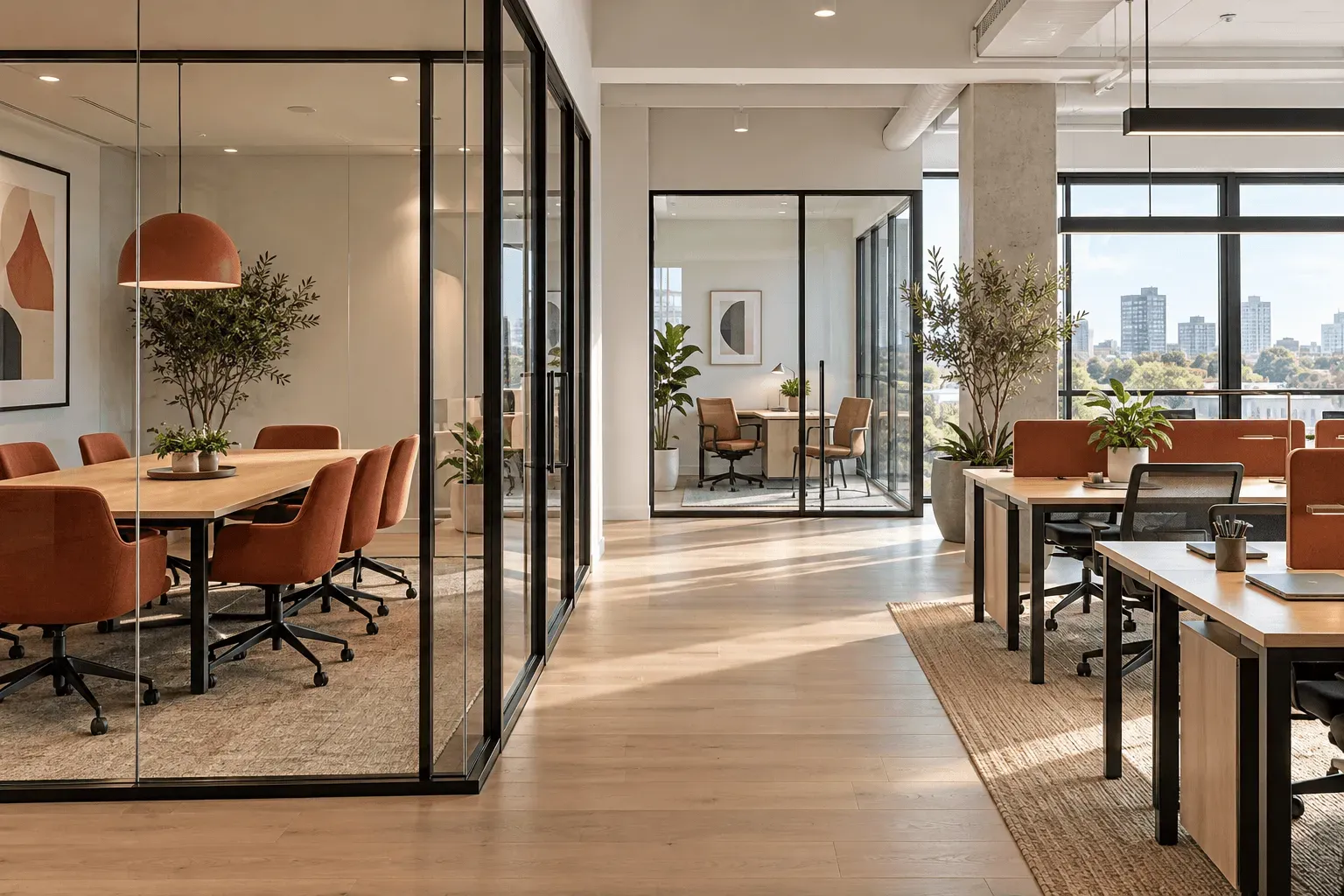
Those differences should be visible in the content and the next step. They also shape which photographs, facilities and conditions deserve prominence.
For a mixed venue, we organise the website around these separate choices. Customers can find a relevant offer while still seeing the other ways they could use your building.
05
What makes this a useful example for your project?
You can move beyond choosing a visual style and start asking practical questions about your own offer:
- Can visitors identify the space that suits them?
- Can they understand the price and what is included?
- Does each space have enough information to support a decision?
- Is the next step appropriate for that purchase?
- Can someone arriving from a search result understand an individual space page?
These questions are a useful way to assess what the best coworking website design would mean for your business. They keep the brief tied to customers and revenue opportunities.
06
See your own venue in that structure
Harbour demonstrates one arrangement of rooms, offices and desks. Your website should reflect your building, brand and commercial priorities.
Managed Spaces specialises in websites for workspace operators. We can plan the structure around your offer and bring enquiries and bookable spaces into the same customer experience.